
Download the game
One download gets you the complete client. The launcher then updates it to the current version by itself.
Full game client
Windows, 7.6 GB, ZIP archive. The download can be paused and resumed.
How to install
- Unzip. Extract the archive to a folder you can write to, for example C:\Games. Do not use Program Files.
- Start the launcher. Open the folder “Ether Saga HK 655”, then launcher\Launcher.exe. If Windows asks whether the patcher may make changes, choose Yes.
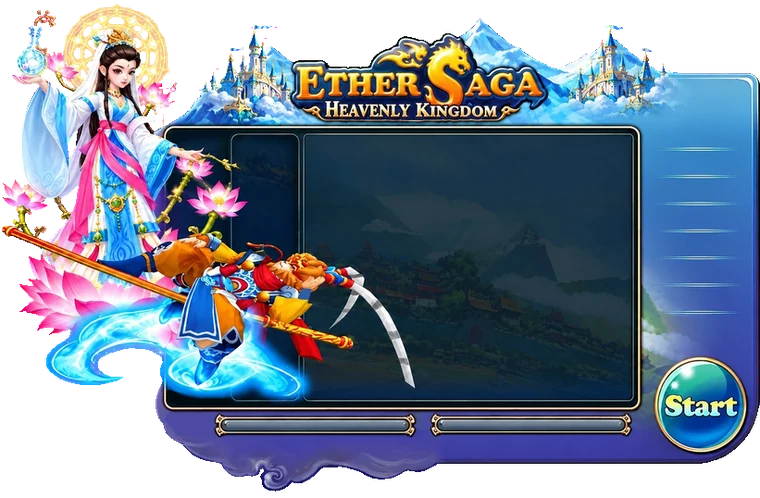
- Let it update. The launcher downloads the latest patch. When it shows the game version and a green Start button, press Start.
- Log in. The server “The_Heavenly_Kingdom” is already selected. Log in with your account name and password.
Chat translator
The client includes a chat translator. It is off when you start: press Ctrl+F9 to turn it on and Ctrl+F10 to choose your language (English, Portuguese, Spanish or Russian).
System requirements
| Operating system | Windows 10 / 11 |
|---|---|
| Processor | Dual-core 2.5 GHz or better |
| Memory | 2 GB or more |
| Disk space | About 16 GB free while installing (download + game); about 8 GB after you delete the ZIP |
| Graphics | DirectX 9.0c compatible |
| Internet | Broadband connection |
If something goes wrong
- “File folder corrupted”: download the full client again; do not copy files between client folders.
- The launcher stops at a patch: close it, start it again; it continues where it stopped.
- Still stuck? Contact Support.